Canonical tag conflicts remain one of the most persistent technical SEO problems that intermediate practitioners encounter during site audits. When your canonical tags, duplicate URLs, and other indexing signals send contradictory messages, search engines struggle to determine which page version deserves to rank. The result is diluted link equity, wasted crawl budget, and pages that vanish from search results entirely.
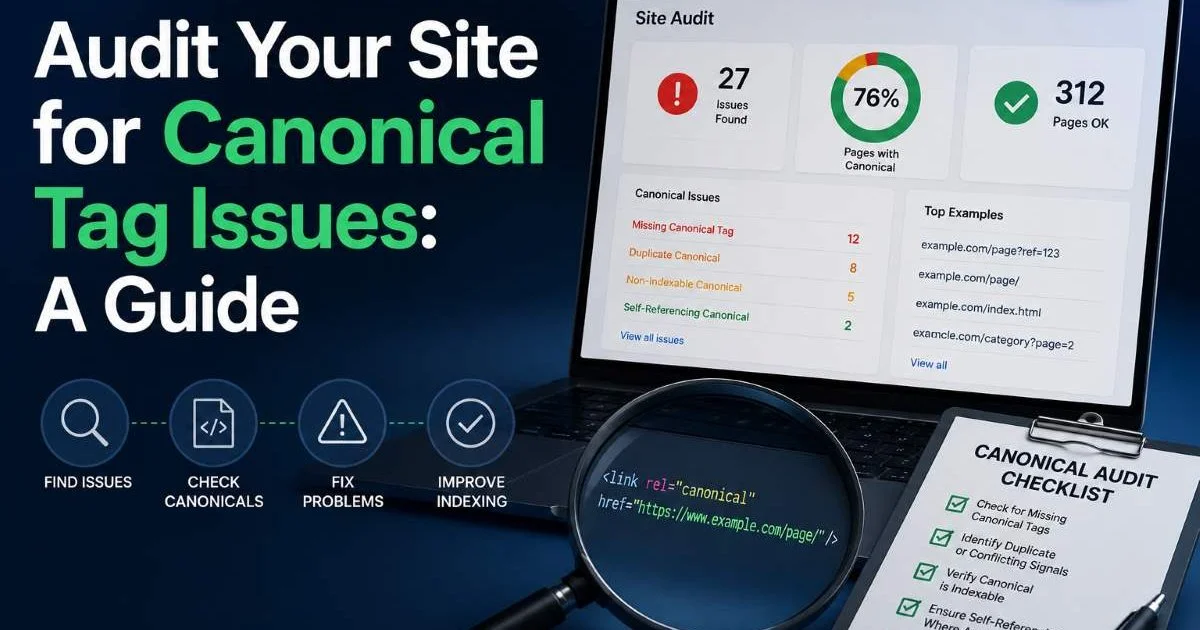
Fixing canonicalization issues isn't optional if you care about organic visibility. This guide walks you through a structured, four-step audit process that identifies conflicts, diagnoses root causes, and delivers clear fixes.
Whether you manage a small business site or a large ecommerce catalog, these steps apply universally. By the end, you'll have a repeatable framework for catching canonical problems before they quietly erode your rankings.
Key Takeaways
- Conflicting canonical tags and indexing signals cause Google to ignore your preferred URLs.
- Crawl your entire site first to surface every canonical declaration at scale.
- Cross-reference HTML canonicals with sitemaps, redirects, and internal links for consistency.
- Self-referencing canonicals on every indexable page prevent most duplicate URL issues.
- Schedule quarterly audits so new canonical conflicts never accumulate undetected.
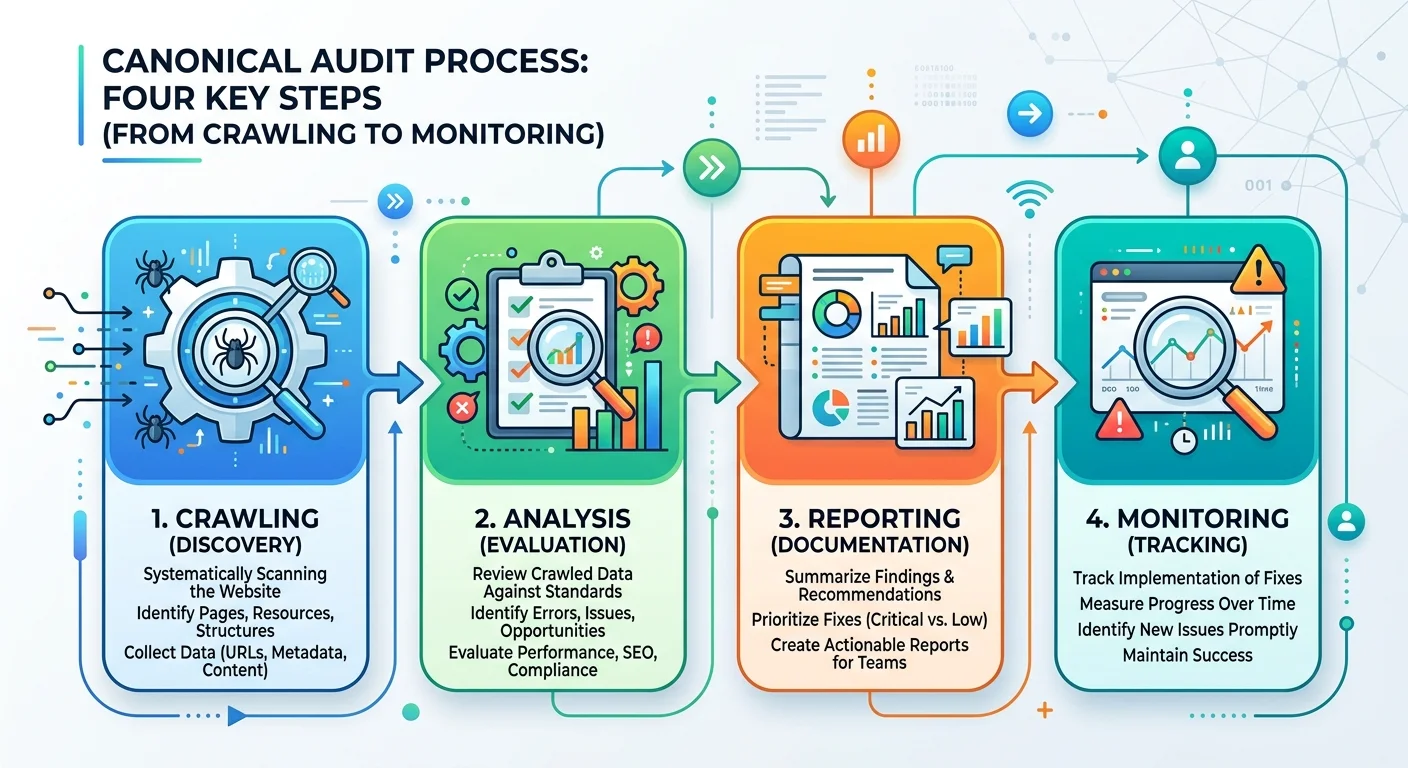
Step 1: Crawl Your Site and Extract All Canonical Tags
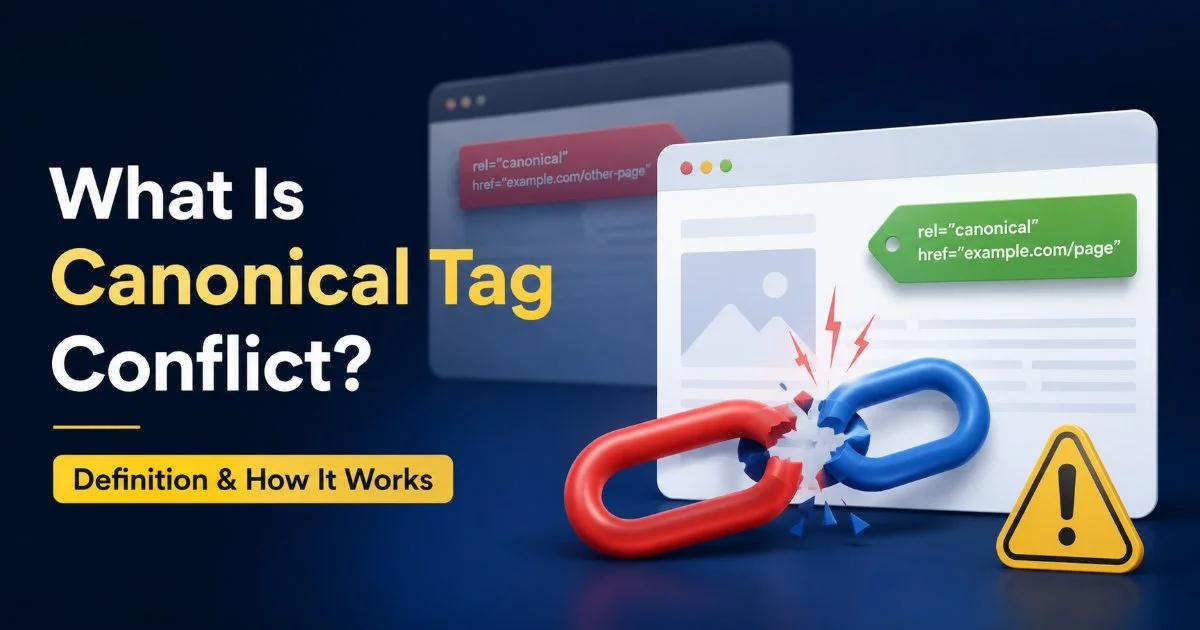
The foundation of any canonical audit is a comprehensive crawl. Tools like Screaming Frog, Sitebulb, or Ahrefs Site Audit can extract the rel="canonical" declaration from every HTML page on your site. Before you start interpreting data, you need the complete picture. A partial crawl leads to partial fixes, and partial fixes leave conflicts active. Understanding what canonical tag conflict actually means and how it works gives you the conceptual background to interpret crawl data accurately.
Choosing the Right Crawl Settings
Configure your crawler to follow internal links, respect robots.txt, and render JavaScript if your site uses client-side rendering. Many SPAs inject canonical tags dynamically, which means a static HTML crawl will miss them entirely. Set the user agent to Googlebot Desktop and Googlebot Mobile separately; canonical declarations sometimes differ between versions. Export the crawl data into a spreadsheet with columns for URL, canonical URL, status code, and indexability status.
Read also What Is Prompt Engineering? Definition, Examples & How It Works
Once the crawl finishes, filter for pages where the canonical URL differs from the page URL. These are your non-self-referencing canonicals. Some are intentional (paginated series pointing to page one, parameterized URLs pointing to clean versions). Others are mistakes. Flag every instance where a page's canonical points to a URL that returns a 4xx or 5xx status code, because those broken canonicals effectively orphan the page from Google's index.
Export canonical data into Google Sheets and use conditional formatting to highlight rows where the canonical URL differs from the page URL.
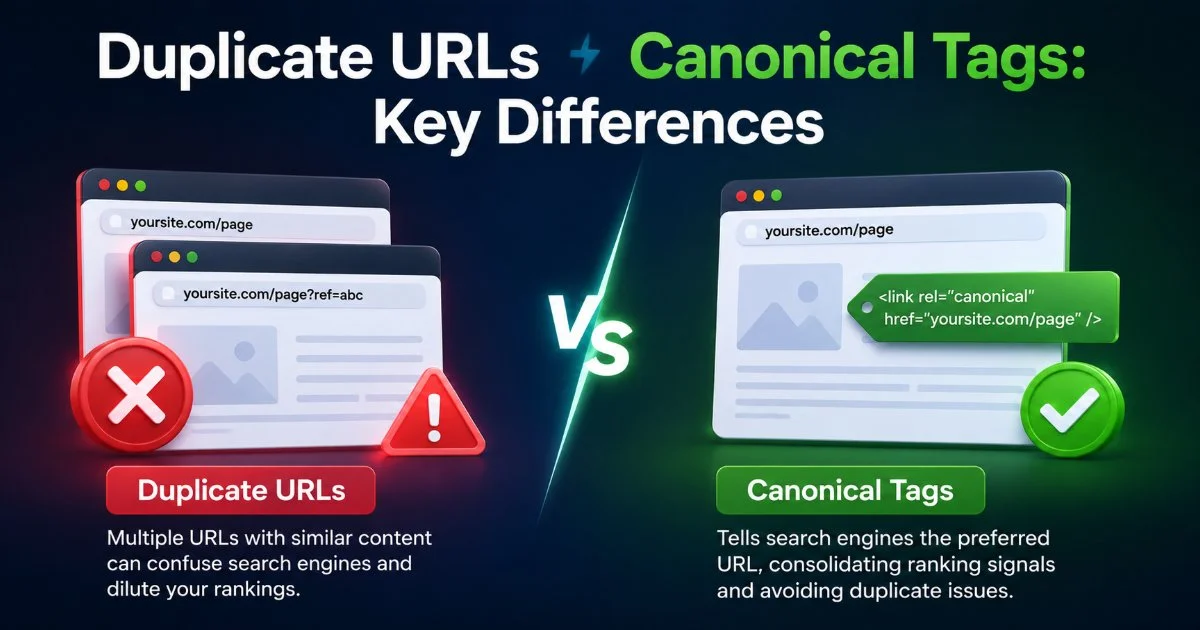
Also check for pages that lack a canonical tag entirely. While Google will still try to determine the canonical on its own, missing tags remove your ability to influence that decision. A site with 10,000 pages and 2,000 missing canonicals is handing Google significant discretionary power. The distinction between duplicate URLs and canonical tags matters here, because duplicate content can exist even when canonical tags are present if those tags point incorrectly.
Step 2: Identify Conflicts Between Canonical Tags and Other Signals
A canonical tag doesn't operate in isolation. Google weighs it alongside sitemaps, redirects, internal links, and hreflang annotations to determine the true canonical. When these signals disagree, Google may override your preferred canonical entirely. This is the core problem: conflicting indexing signals confuse search engines and produce unpredictable results. You can learn more about how conflicting indexing signals confuse Google to understand why alignment across all signals matters so much.
Common Signal Mismatches
The most frequent conflict occurs when a page's canonical tag points to URL A, but the XML sitemap includes URL B (the non-canonical version). Google treats sitemap inclusion as a signal that you consider a URL important and indexable. If you're canonicalizing away from it, you're sending mixed messages. Pull your sitemap URLs into the same spreadsheet and cross-reference. Every URL in your sitemap should either be self-canonicalized or absent from the sitemap entirely.
Another common conflict involves redirect chains. A 301 redirect from page A to page B signals that B is the canonical. But if page B has a canonical tag pointing back to page A (or to page C), you've created a loop of contradictory signals. Use your crawl data to trace redirect chains and confirm that the final destination URL contains a self-referencing canonical. Chains longer than two hops deserve consolidation regardless of canonical alignment.
Never place a noindex directive on a page that other pages canonicalize to. Google will eventually drop it from the index, taking all canonicalization signals with it.
Internal linking patterns also matter. If 90% of your internal links point to the non-canonical URL variant (say, with a trailing slash or uppercase characters), Google interprets that as evidence the linked version is the real canonical. Audit internal links by exporting all anchor destinations and normalizing URL formatting. Consistency across internal links, sitemaps, and canonical tags is the goal. Review common canonicalization errors that hurt indexing for a deeper look at the patterns that most frequently cause these mismatches.
"A canonical tag is a suggestion, not a directive. When other signals disagree, Google will make its own choice."
Step 3: Fix Canonicalization Errors Systematically
With your conflicts documented, it's time to fix them. Resist the urge to tackle issues randomly. Group errors by type and prioritize by traffic impact. A canonical conflict on your top-revenue product page matters more than one on an archived blog post from 2019. Build a prioritized task list with columns for URL, issue type, current canonical, correct canonical, and the team member responsible for the fix.
Prioritizing Fixes by Impact
Start with pages that have search impressions in Google Search Console but aren't the declared canonical. These are cases where Google has already overridden your canonical tag. Open the "Pages" report in GSC, filter to excluded pages, and look for "Duplicate, Google chose different canonical than user." This report tells you exactly which pages Google is ignoring your canonical on. Each one represents a live conflict that's actively affecting your indexing.
| Issue Type | Example | Recommended Fix | Priority |
|---|---|---|---|
| Broken canonical target | Canonical points to 404 page | Update canonical to valid URL | Critical |
| Canonical chain | A → B → C canonical references | Point directly to final canonical | High |
| Sitemap/canonical mismatch | Non-canonical URL in sitemap | Remove non-canonical from sitemap | High |
| Missing canonical tag | No rel=canonical in HTML head | Add self-referencing canonical | Medium |
| HTTP/HTTPS canonical conflict | Canonical points to HTTP version | Update to HTTPS canonical | High |
| Redirect/canonical disagreement | 301 to A, canonical says B | Align redirect target with canonical | Critical |
For CMS-driven sites, many canonical fixes can be handled at the template level. If your WordPress theme appends trailing slashes but your canonical tags omit them, fixing the template logic once resolves thousands of pages instantly. Check your SEO plugin settings (Yoast, Rank Math, or All in One SEO) for canonical override options. On custom CMS platforms, work with your development team to add canonical tag logic to the page template's head section, defaulting to a self-referencing canonical unless explicitly overridden.
After implementing fixes, use the URL Inspection tool in Google Search Console to request re-indexing of your highest-priority pages.
Parameterized URLs deserve special attention. Ecommerce sites with sort, filter, and pagination parameters often generate hundreds of near-duplicate URLs. Set canonical tags on parameterized pages to point to the clean, unparameterized version. Complement this with Google Search Console's URL parameter handling tool (if still available in your account) and consider adding parameter-handling rules in your robots.txt as a belt-and-suspenders approach. Accessibility matters too; the process of auditing technical elements overlaps with broader site quality checks like those in a WCAG compliance checklist for small business sites.
Step 4: Validate, Monitor, and Prevent Regressions
Fixing canonical issues once isn't enough. New pages, CMS updates, plugin changes, and developer deployments can reintroduce conflicts within weeks. Validation should happen immediately after implementing fixes, and monitoring should continue indefinitely. Re-crawl your site after deploying changes and compare the new crawl data against your original audit. Every conflict flagged in step two should now show resolution. If some persist, investigate whether caching, CDN configurations, or server-side rendering are serving stale canonical tags.
Setting Up Ongoing Monitoring
Google Search Console's coverage reports are your first line of defense. Set a calendar reminder to review the "Excluded" tab weekly. Look specifically for increases in "Duplicate, Google chose different canonical than user" or "Duplicate without user-selected canonical." These categories directly indicate canonical issues. Pair this with scheduled crawls (monthly for smaller sites, weekly for large sites) and save the canonical extraction as a recurring report. Monitoring tools that track AI agent behavior and automated systems can also help catch issues, similar to approaches discussed in best AI agent monitoring resources.
Build canonical tag validation into your CI/CD pipeline if possible. Pre-deployment checks can verify that every new or modified page template includes a properly formatted canonical tag before code reaches production. Automated tests that compare rendered canonical tags against expected values catch regressions at the source. For teams without CI/CD integration, a simple checklist for content publishers works: every new page must have a self-referencing canonical unless it's intentionally pointing elsewhere, and every intentional cross-canonical must be documented.Google may take days or weeks to reflect canonical changes in Search Console. Don't panic if reports don't update immediately after your fixes.
Document your canonical strategy in a living wiki or internal knowledge base. Include your rules for trailing slashes, HTTPS enforcement, parameterized URLs, and pagination canonicalization. When new team members join or agencies rotate, this documentation prevents someone from unknowingly reintroducing the exact problems you just spent weeks fixing. A quarterly audit cycle, using the same four steps outlined above, keeps your site's canonical signals clean and consistent over time.
Frequently Asked Questions
?How do I find broken canonicals pointing to 4xx or 5xx URLs?
?Is Screaming Frog better than Sitebulb for canonical audits?
?How long does a full canonical audit take for a large ecommerce site?
?Does Google always respect my canonical tag if I set it correctly?
Final Thoughts
Canonical tag audits aren't glamorous work, but they protect everything else you do in SEO. A site with clean, consistent canonical signals gets crawled more efficiently, indexed more accurately, and ranks more reliably. Follow these four steps quarterly: crawl, identify conflicts, fix systematically, then validate and monitor.
The patterns you catch early prevent the kind of slow, invisible ranking decay that's hard to diagnose months after the fact. Make canonical audits a non-negotiable part of your technical SEO routine.
Disclaimer: Portions of this content may have been generated using AI tools to enhance clarity and brevity. While reviewed by a human, independent verification is encouraged.