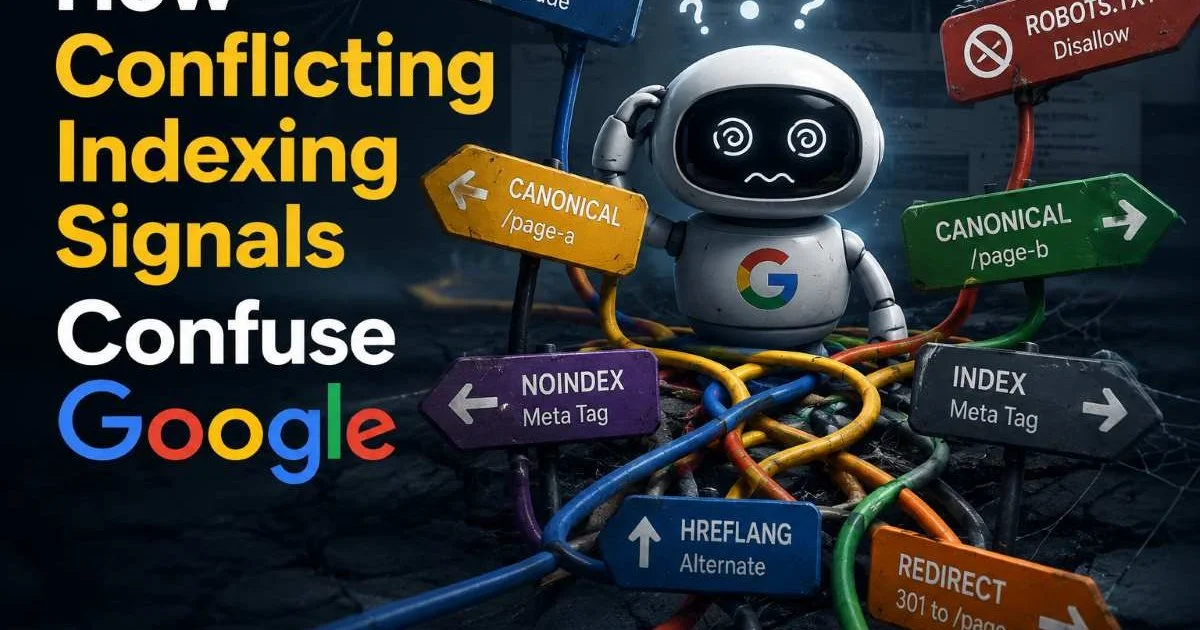
Conflicting indexing signals confuse Google more often than most SEO practitioners realize. When your site sends mixed messages through canonical tags, meta robots directives, sitemaps, and internal links, Google's crawler is left guessing which page version to index and rank. The result is wasted crawl budget, diluted ranking authority, and pages that quietly disappear from search results.
This problem grows exponentially on larger sites where plugins, CMS defaults, and manual overrides stack contradictory instructions. Understanding exactly how these conflicts arise, and knowing the step-by-step process to identify and resolve them, is what separates competent technical SEOs from those who wonder why their pages won't rank.
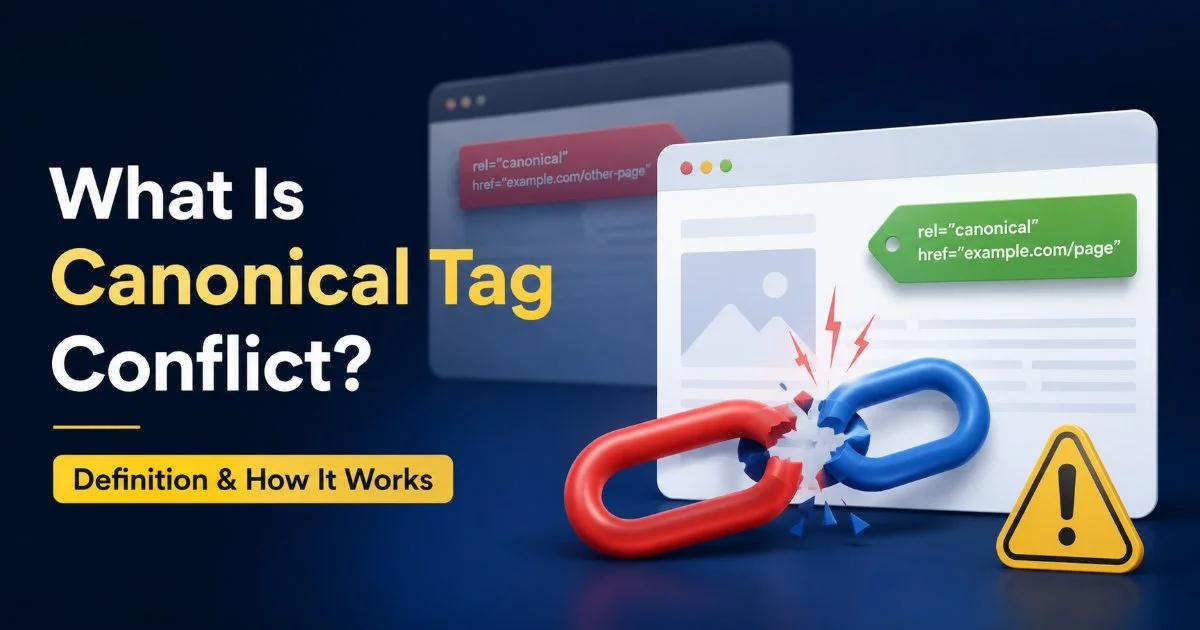
This guide walks you through four practical steps to audit, diagnose, and fix the signal conflicts that are holding your site back. If you want a foundational understanding of what canonical tag conflict is and how it works, start there before reading on.
Key Takeaways
- Contradictory canonical tags, sitemaps, and meta directives split Google's understanding of your preferred URL.
- Audit all indexing signals together, not in isolation, to catch hidden conflicts fast.
- HTTP headers and HTML canonical tags frequently disagree on WordPress and headless CMS setups.
- Google treats canonical hints as suggestions, so conflicting signals often produce unpredictable results.
- Fixing signal conflicts typically recovers lost impressions within two to four crawl cycles.
Step 1: Audit Every Indexing Signal on Your Pages
Signals to Check
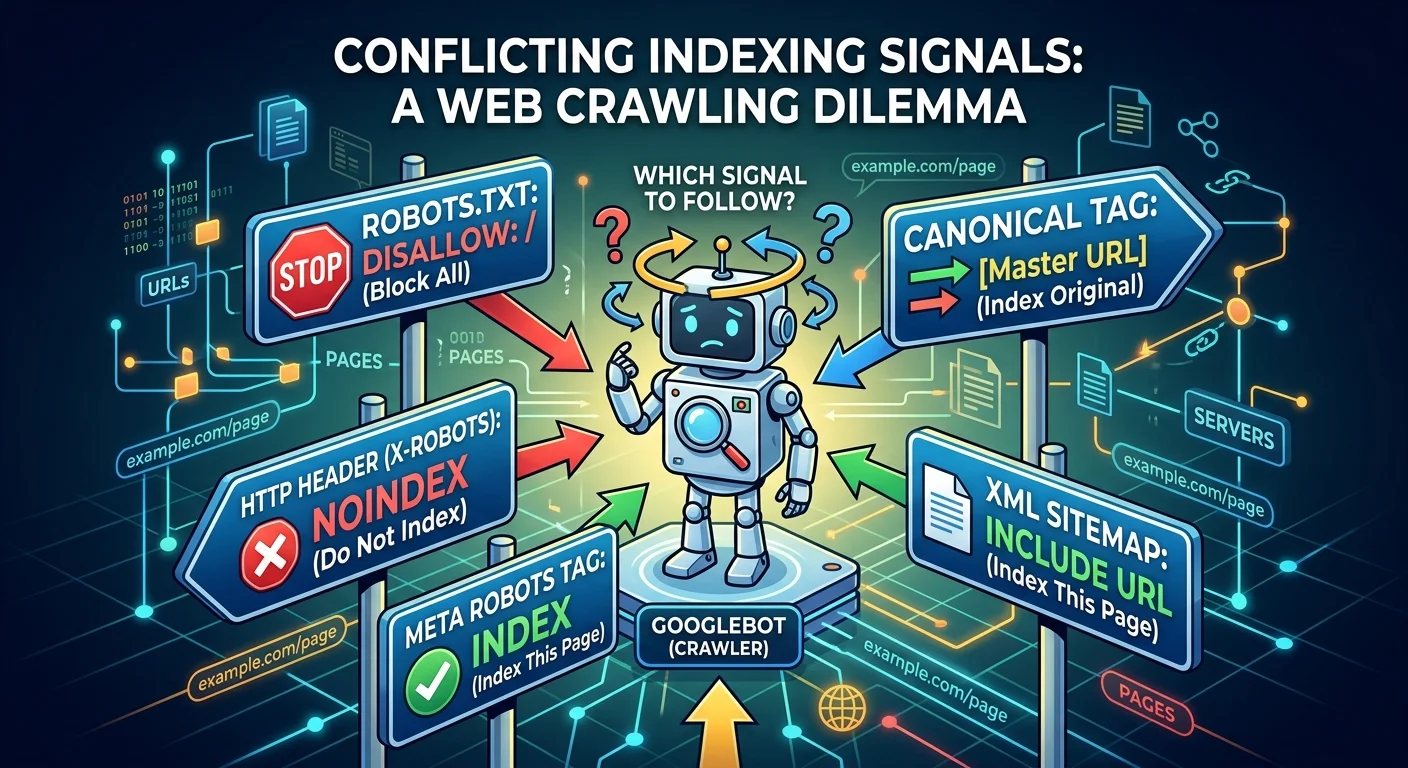
Before you can fix anything, you need a complete inventory of every signal each page sends to Google. Most practitioners check the HTML canonical tag and stop there. But Google evaluates canonical tags, HTTP Link headers, meta robots tags, X-Robots-Tag HTTP headers, sitemap inclusion, internal linking patterns, hreflang references, and 301/302 redirect chains. Each of these can reinforce or contradict the others, and Google weighs them collectively when deciding which URL to index.
Start by pulling a full crawl of your site using a tool like Screaming Frog, Sitebulb, or a cloud crawler. Export every URL along with its canonical tag value, meta robots content, HTTP response headers, and status codes. Cross-reference this data with your XML sitemap to see which URLs you're explicitly asking Google to crawl. If a URL appears in your sitemap but carries a noindex tag or points its canonical elsewhere, you have an immediate conflict to address.
Tools for Auditing
Google Search Console's "Page Indexing" report is your first stop for spotting pages Google has excluded. Look specifically for the "Duplicate, Google chose different canonical than user" status. This tells you directly that Google disagreed with your canonical tag, which almost always means another signal overrode it. You can find more utility from a comprehensive list of Google tools that assist with search analysis and indexing insights.
Export Search Console's indexing report monthly to track how Google's canonical selections shift over time.
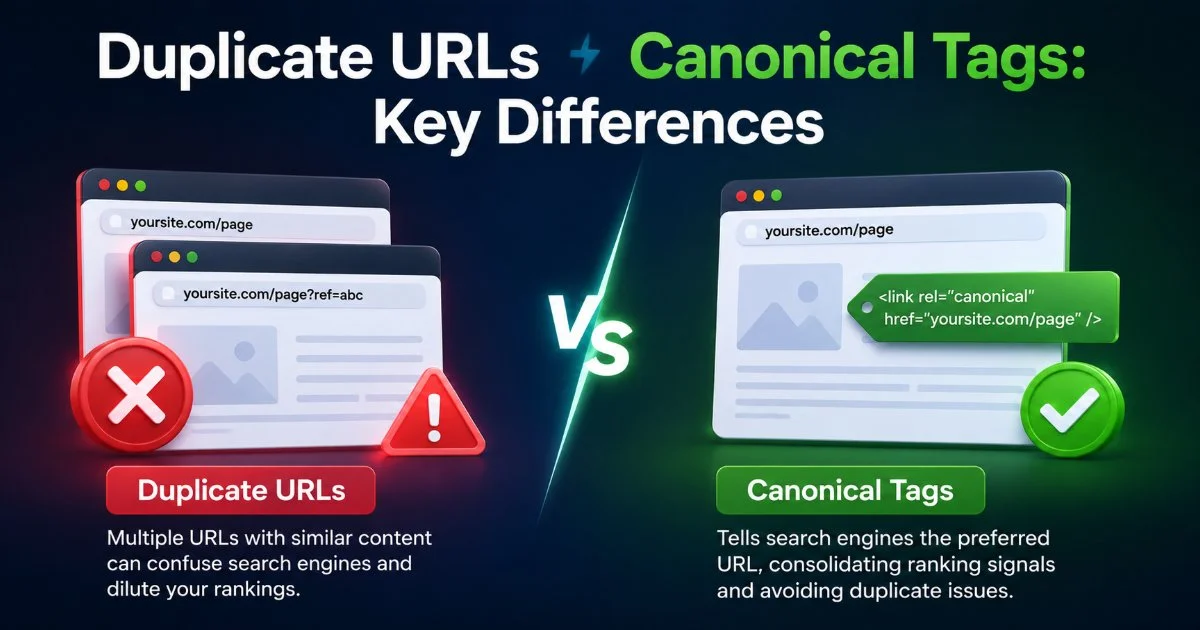
For deeper inspection, use the URL Inspection tool on individual pages to see exactly which URL Google selected as canonical and whether your page is indexed. Document every discrepancy in a spreadsheet. Understanding duplicate URLs vs canonical tags and their key differences will help you categorize the issues you find. At this stage, your goal is simply to collect data, not fix problems.
Step 2: Identify Where Conflicting Indexing Signals Confuse Google
Common Conflict Patterns
Now that you have your data, it's time to find the actual conflicts. The most damaging pattern is when the HTML canonical tag points to URL A, but the HTTP Link header points to URL B. This happens frequently on WordPress sites running multiple SEO plugins, or on sites using a CDN that injects its own headers. Google receives two "preferred version" hints for the same page, and since canonical is only a hint (not a directive), Googlebot may choose neither and pick a third URL based on internal link signals.
Another common pattern involves a self-referencing canonical tag on a page that also carries a meta robots noindex tag. You're simultaneously telling Google "this is the canonical version, index it here" and "don't index this page at all." Google will typically honor the noindex, but it creates confusion about where the authority should flow. A third pattern occurs when your sitemap lists URLs with trailing slashes, but your canonical tags reference versions without trailing slashes. These look like entirely different URLs to Google's systems.
| Signal A | Signal B | What Google Sees | Likely Outcome |
|---|---|---|---|
| Canonical to URL A | HTTP header canonical to URL B | Two competing preferred URLs | Google picks one arbitrarily |
| Canonical self-referencing | Meta robots noindex | Index vs. don't index conflict | Page gets deindexed |
| Sitemap includes URL | Canonical points elsewhere | Sitemap says "crawl me" but page defers | Wasted crawl budget |
| 301 redirect to URL C | Canonical on URL C points to URL D | Redirect chain with mismatched canonical | Authority dilution |
| Hreflang references URL E | Canonical on URL E points to URL F | Hreflang and canonical contradict | Hreflang may be ignored |
Review your audit spreadsheet for every instance where two or more signals disagree. Prioritize pages that receive organic traffic or target high-value keywords. Pages with zero impressions and conflicting signals are worth fixing too, because the conflict may be the very reason they get no visibility. Track each conflict type so you can batch similar fixes together in the next step. Many common canonicalization errors that hurt indexing follow predictable patterns once you know what to look for.
"Google treats canonical tags as hints, not commands. When your other signals disagree, Google makes its own choice."
Step 3: Resolve Canonical Tag and Directive Conflicts
WordPress-Specific Fixes
WordPress is responsible for a large share of canonical tag conflicts because themes, SEO plugins, and caching plugins all attempt to set canonical URLs independently. If you're running Yoast SEO alongside another plugin that injects canonical tags (such as All in One SEO or a theme with built-in SEO features), you'll end up with duplicate canonical tags in the HTML head. Disable canonical output from every source except one. Check your theme's functions.php and any mu-plugins for wp_head hooks that add canonical link elements.
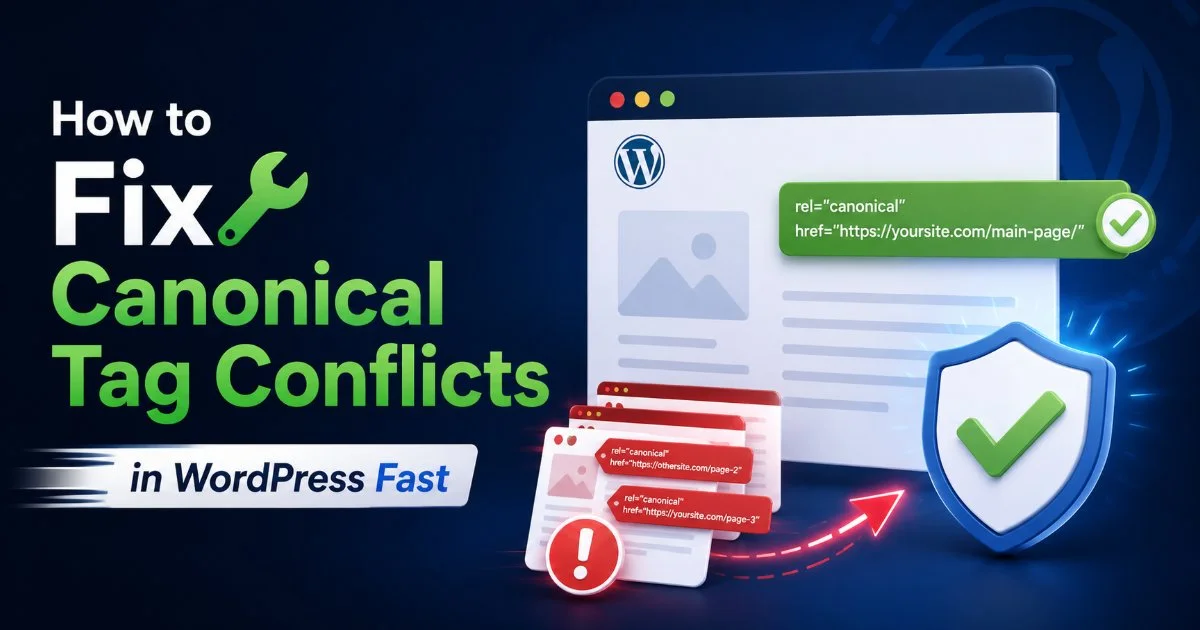
Caching plugins like WP Super Cache or W3 Total Cache can serve stale HTML that includes outdated canonical tags even after you've updated them. Clear your cache completely after making canonical changes, and test the live page source (not the WordPress editor preview) to verify. For a detailed walkthrough tailored to WordPress, follow the steps in how to fix canonical tag conflicts in WordPress fast. This handles plugin deactivation order, hook priority, and cache invalidation in sequence.
Never assume your canonical tag changes are live until you've checked the rendered HTML source on a non-cached page load.
Server-Level Fixes
For conflicts between HTML canonical tags and HTTP Link headers, the fix usually involves your server configuration or CDN settings. If your CDN (Cloudflare, Fastly, or Akamai) adds an HTTP Link header with a rel="canonical" value, and it differs from your HTML canonical, remove the CDN-level header. One canonical source of truth is always better than two that might drift apart. Check your .htaccess file, nginx config, or edge worker scripts for any rules that inject Link headers.
Redirect chains deserve special attention. If URL A 301-redirects to URL B, which then has a canonical pointing to URL C, you've created a three-way conflict. Consolidate by redirecting A directly to C and setting C's canonical to itself. Also verify that your sitemap only includes the final destination URLs with 200 status codes. Run your site through a website security scanner as well, since compromised sites sometimes inject rogue canonical tags or redirects through injected scripts that you won't catch with a standard SEO crawl.
Conflicting indexing signals confuse Google even when each individual signal seems correct in isolation. The conflict itself is the problem.
Step 4: Validate Your Fixes and Monitor Ongoing Signal Health
After implementing fixes, validation is the step that separates a one-time cleanup from a sustainable process. Use Google Search Console's URL Inspection tool to request indexing for your highest-priority corrected pages. Within a few days, re-inspect those URLs to confirm that Google's selected canonical now matches your intended canonical. If Google still selects a different URL, you likely have a remaining signal conflict you missed, such as internal links still pointing to the wrong URL variant or an old sitemap cached at Google.
Set up automated crawl monitoring with monthly or bi-weekly crawls. Tools like Screaming Frog's scheduling feature or cloud-based crawlers can alert you when new canonical conflicts appear. This matters because CMS updates, plugin installations, and content migrations routinely introduce new conflicts. A page that's clean today can develop conflicting signals next month after a WordPress update changes how permalinks are generated or a developer adds a meta robots tag during staging that persists into production.
Build a simple dashboard or spreadsheet that tracks three metrics over time: the number of pages where Google chose a different canonical than specified, the number of pages excluded from indexing due to conflicts, and the crawl budget utilization rate from your server logs. When conflicting indexing signals confuse Google on a recurring basis, these metrics will spike before you notice any ranking drops. Catching problems at the crawl data level gives you a two-to-four week head start over waiting for ranking fluctuations to appear.
Finally, document your canonical and indexing signal standards in a team wiki or project brief. Specify which plugin or system owns canonical tag output, what URL format is preferred (trailing slash or not, www or non-www, HTTPS enforced), and how redirects should be structured. When every team member, from developer to content editor, understands the rules, accidental conflicts become rare. Prevention through documentation costs nothing and saves hours of retroactive debugging.
Add a pre-deployment checklist item that verifies canonical tags, meta robots, and sitemap status before any page goes live.
Frequently Asked Questions
?How do I check if my HTTP Link header conflicts with my HTML canonical tag?
?Does fixing canonical conflicts work differently on WordPress vs. headless CMS setups?
?How long does it take to recover impressions after resolving signal conflicts?
?Will Google always follow my canonical tag if I remove the conflicting signals?
Final Thoughts
Conflicting indexing signals confuse Google because its systems are designed to synthesize multiple hints into a single decision. When those hints contradict each other, the outcome is unpredictable and rarely in your favor.
The four-step process outlined here, auditing signals, identifying conflicts, resolving them at the source, and building ongoing monitoring, gives you a repeatable framework that scales with your site. Treat your indexing signals as a unified system rather than isolated tags, and Google will consistently index and rank the pages you actually want visible.
Disclaimer: Portions of this content may have been generated using AI tools to enhance clarity and brevity. While reviewed by a human, independent verification is encouraged.