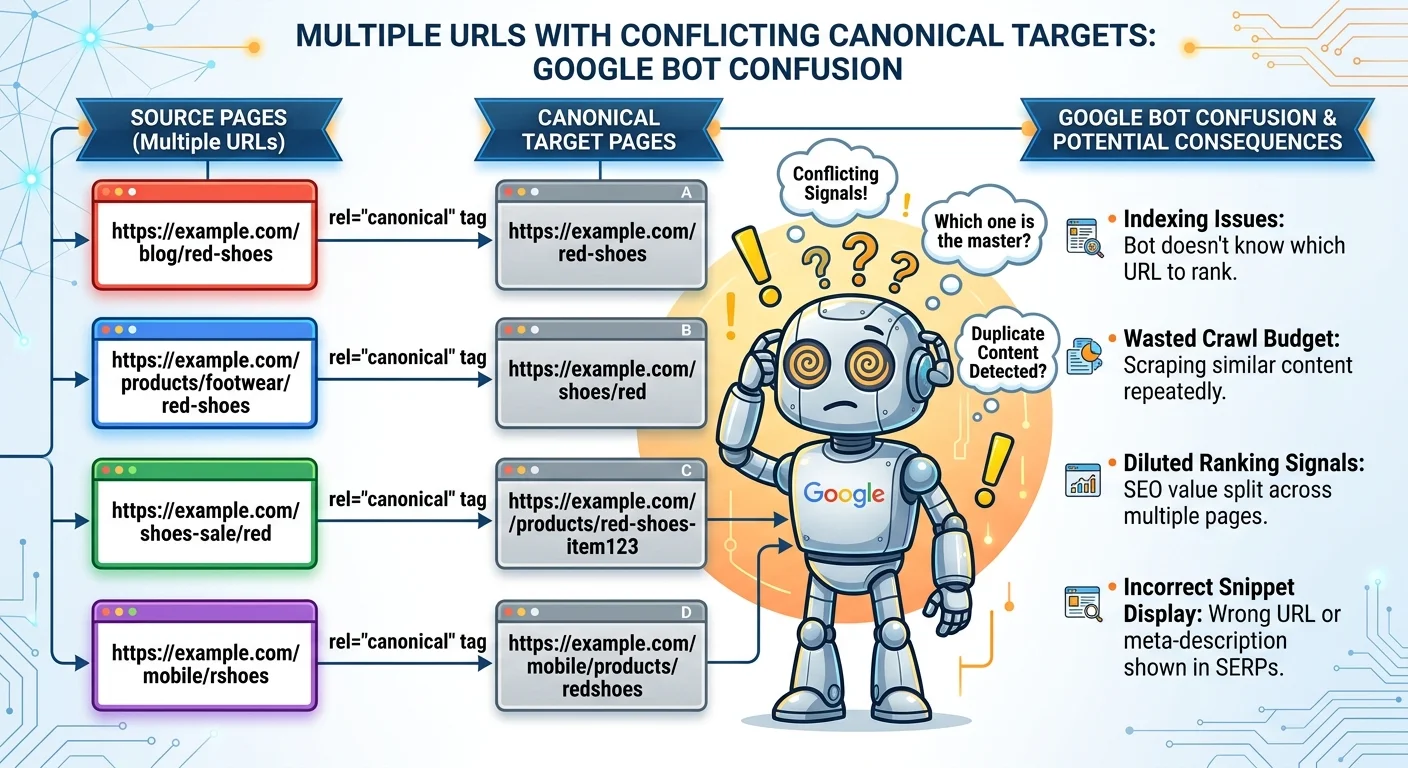
A canonical tag conflict occurs when conflicting signals on your website confuse search engines about which version of a page should be indexed and ranked. This is one of the most common and quietly damaging technical SEO issues that intermediate practitioners encounter. When your canonical tags point in one direction but your sitemap, internal links, or redirect chains point in another, Google has to make a judgment call. That judgment doesn't always go your way.
The result can be diluted link equity, wasted crawl budget, and the wrong URL appearing in search results. Understanding how to check canonical tags, resolve duplicate URLs, and align your indexing signals is the foundation of proper page canonicalization. In this guide, we'll break down exactly what these conflicts are, how they happen, and what you can do to fix them.
Key Takeaways
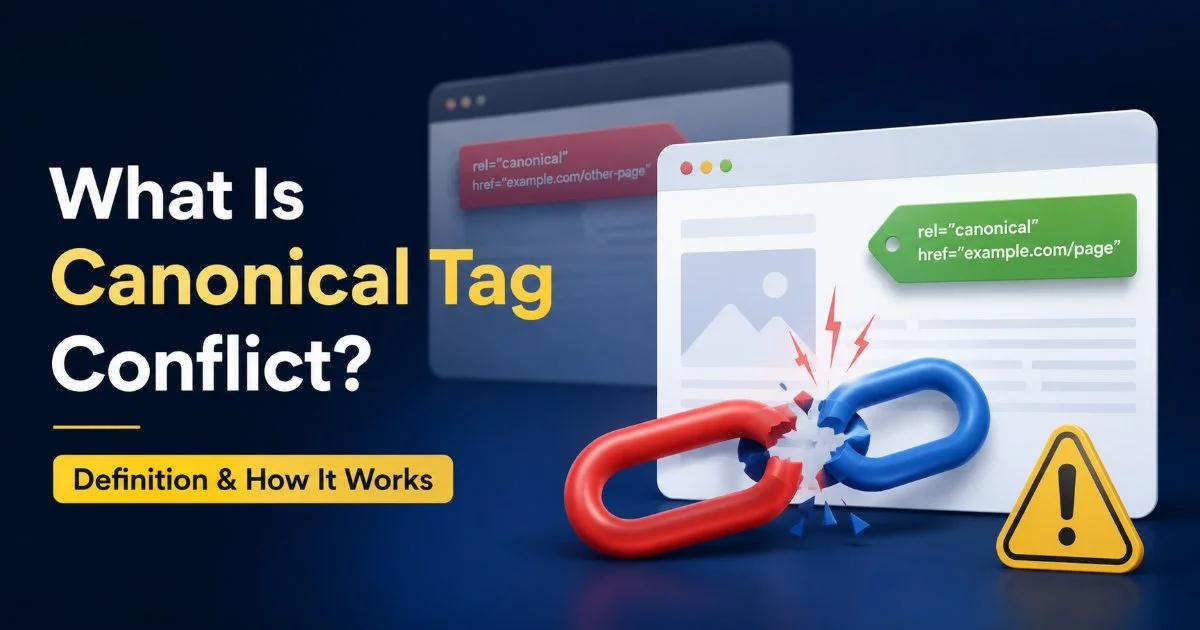
- A canonical tag conflict sends mixed signals about which URL search engines should index.
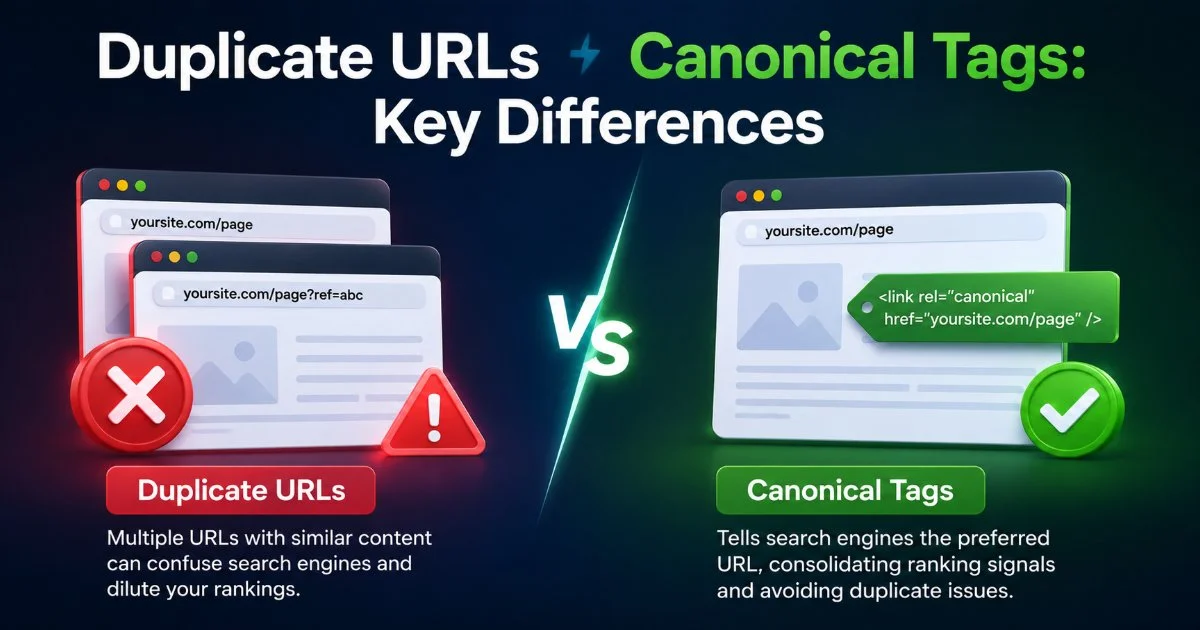
- Duplicate URLs in SEO dilute ranking power across multiple versions of one page.
- Google may ignore your canonical tag if other indexing signals contradict it.
- Regular audits with a canonical tag checker prevent conflicts from compounding silently.
- Aligning sitemaps, redirects, hreflang, and internal links resolves most canonicalization problems.
What Is a Canonical Tag Conflict?
The Basic Mechanics
A canonical tag (rel="canonical") is an HTML element that tells search engines which version of a URL you consider the "official" one. When everything works properly, it consolidates ranking signals from duplicate or near-duplicate pages into a single preferred URL. The concept is simple, but the implementation can get messy fast. If page A declares page B as the canonical, but page B declares page C, you've created a canonical chain that search engines may not follow as expected.
The conflict arises when the canonical tag on a page disagrees with other signals on your site. For instance, your canonical might point to an HTTPS version of a page, but your sitemap still lists the HTTP version. Or your internal links consistently point to a URL with trailing slashes while the canonical references one without. These contradictions are what we mean by canonical tag conflict, and Google treats the canonical tag as a hint, not a directive. When other signals contradict it, Google picks the winner.
Common Sources of Conflict
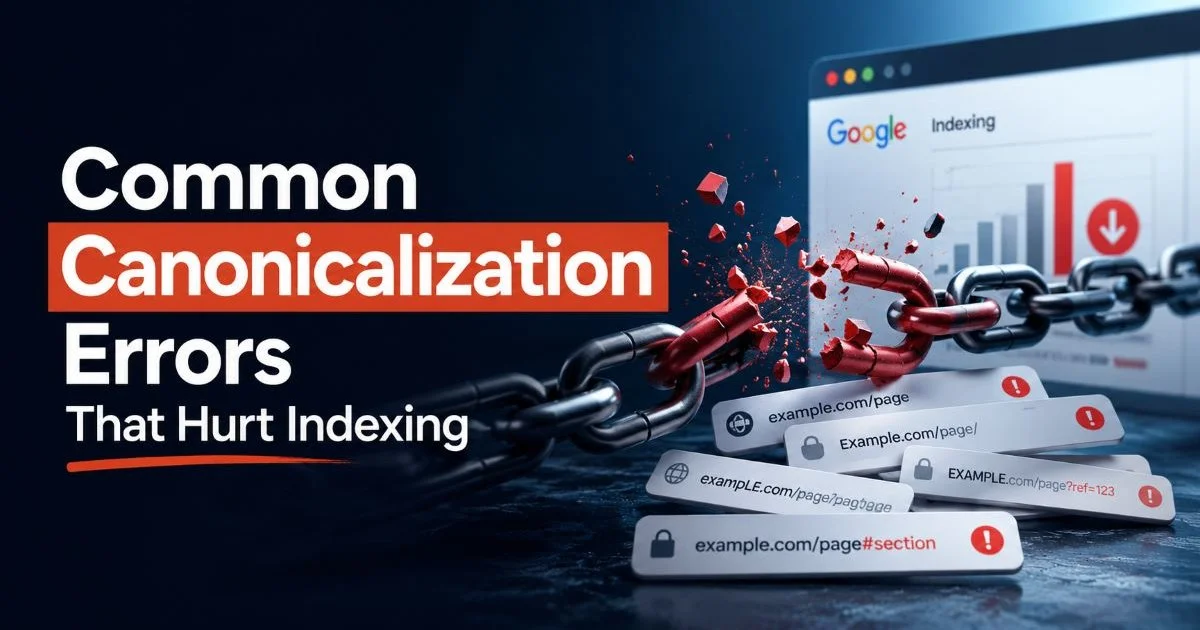
Multiple URL variations are the primary culprit behind duplicate URLs in SEO. Parameter-based URLs from tracking codes, session IDs, or faceted navigation can generate hundreds of duplicate pages without anyone noticing. CMS platforms frequently create multiple paths to the same content through category pages, tag archives, and pagination. Each variant can carry its own canonical declaration, and when those declarations don't agree, problems multiply quickly.
Run a crawl of your entire site quarterly. Compare each page's declared canonical against what appears in your sitemap and internal link graph.
Another frequent source is migration errors. During a site redesign or domain move, canonical tags from the old site sometimes carry over while redirects point elsewhere. As LevTech explains in their guide on canonical tags and duplicate content, properly managing these tags during content transitions is fundamental to avoiding indexing chaos. Staging environments that accidentally get indexed add yet another layer of complexity to the problem.
Why Canonical Tag Conflicts Matter for SEO
Ranking and Crawl Budget Impact
When search engines encounter a canonical tag conflict, they must decide which URL to index on their own. This often means splitting link equity across multiple versions instead of consolidating it into one powerful page. For competitive keywords, this dilution can be the difference between page one and page three. The more authority your site has, the more you stand to lose from fragmented signals across duplicate pages.
Crawl budget is another tangible cost. Every time Googlebot crawls a duplicate URL that shouldn't exist in the index, that's a request not spent on your important pages. For small sites with a few hundred pages, this rarely matters. But for e-commerce sites with tens of thousands of product URLs, faceted navigation, and regional variants, wasted crawl budget directly impacts how quickly new content gets discovered and indexed.
Real-World Consequences
Consider an e-commerce site selling electronics. The product page for a wireless speaker exists at five different URLs: one with a tracking parameter, one under two different category paths, one with a sort parameter, and the "clean" version. If the canonical tags across these five pages aren't perfectly aligned, Google might choose the version with the tracking parameter as the canonical. Now your analytics data is messy, your ranking signals are scattered, and users see an ugly URL in search results.
"Google treats canonical tags as hints, not commands. When your other signals disagree, Google makes its own choice."
This isn't hypothetical. Large publishers and retailers routinely discover that Google has selected a non-preferred URL as the canonical, sometimes for months before anyone notices. The fix requires aligning every indexing signal, from internal links and sitemaps to HTTP headers and redirects. Without proactive monitoring, these issues compound silently, gradually eroding organic visibility across the site.
How to Detect and Resolve Conflicts
Audit Tools and Techniques
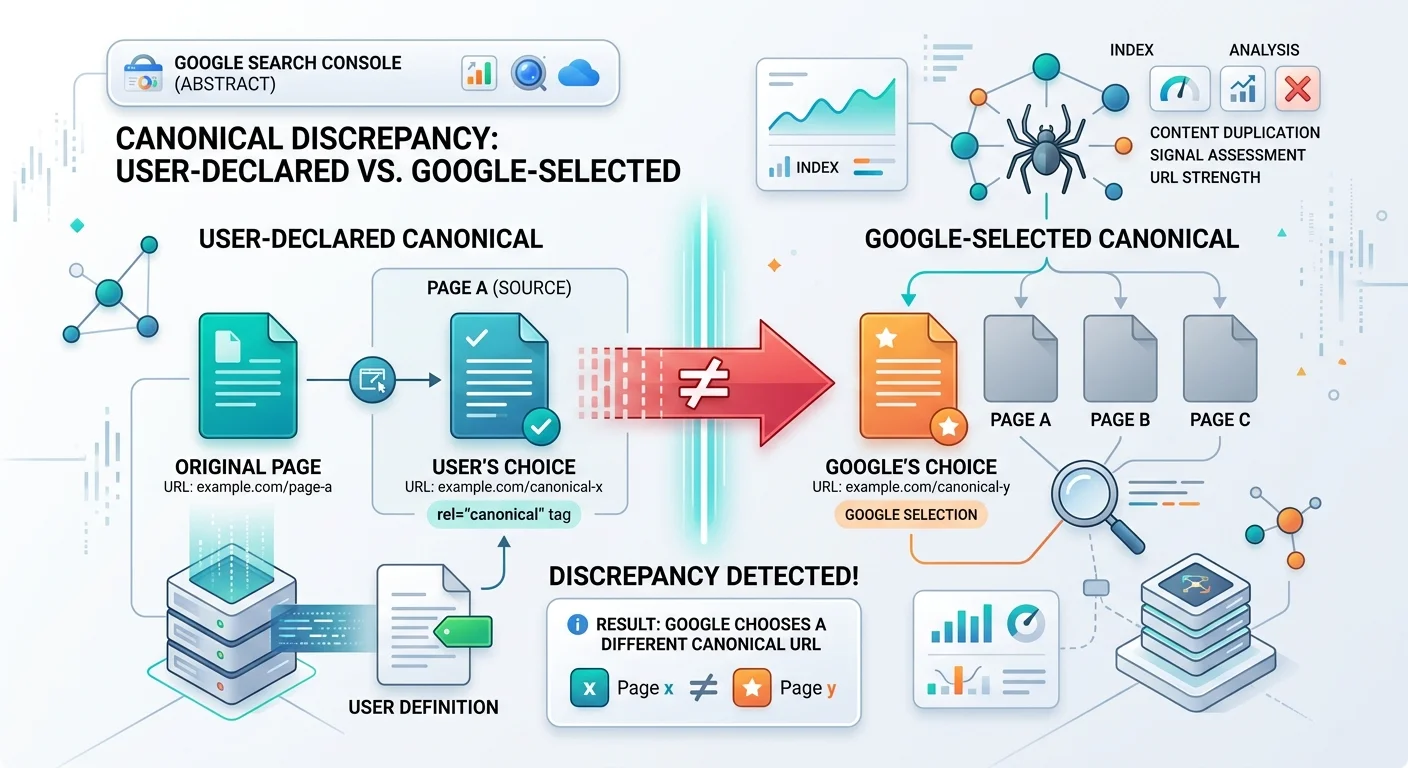
A dedicated canonical tag checker is the fastest way to identify problems. Tools like Screaming Frog, Sitebulb, and Ahrefs Site Audit can crawl your site and flag pages where the canonical tag points to a different URL, where canonicals form chains, or where canonicalized pages still appear in the sitemap. Google Search Console's "Page Indexing" report also reveals which URLs Google has chosen as canonical versus which ones you declared. Discrepancies between the two are a clear red flag.
Beyond automated tools, manual spot-checking remains valuable. Pick your top 20 landing pages by organic traffic. For each one, verify that the declared canonical URL matches the URL in your sitemap, the URL in your internal links, and the URL that Google has actually indexed. This kind of focused audit often catches problems that broader crawls miss, especially around dynamically generated parameters or JavaScript-rendered content.
Google Search Console's URL Inspection tool shows both the "User-declared canonical" and "Google-selected canonical." If they differ, you have a conflict to investigate.
Step-by-Step URL Conflict Resolution
URL conflict resolution follows a clear hierarchy. First, decide on one canonical URL format for every page. This means choosing between www or non-www, HTTP or HTTPS, trailing slash or not, and lowercase or mixed case. Document these decisions. Second, implement 301 redirects from all non-preferred variations to the chosen canonical. Third, update your sitemap to include only canonical URLs. Fourth, audit your internal links to point directly to canonical versions, avoiding redirect chains wherever possible.
For pages with parameter-based duplicates, use Google Search Console's URL parameter handling or, better yet, implement self-referencing canonicals on every page. A self-referencing canonical simply declares its own URL as the canonical, which reinforces your preference clearly. When combined with consistent internal linking and a clean sitemap, this approach resolves most page canonicalization issues. Similar to how fixing keyboard navigation issues requires systematic attention to technical details, resolving canonical conflicts demands a methodical, site-wide approach.
| Signal Type | What to Check | Priority |
|---|---|---|
| Canonical Tag | Points to preferred URL, no chains | High |
| 301 Redirects | All variants redirect to canonical | High |
| XML Sitemap | Contains only canonical URLs | High |
| Internal Links | Link directly to canonical versions | Medium |
| Hreflang Tags | Reference canonical URLs per language | Medium |
| HTTP Headers | No conflicting Link: rel="canonical" headers | Low |
| Robots.txt | Does not block canonical URLs | Low |
Never canonicalize a page to a URL that returns a 404, is noindexed, or is blocked by robots.txt. This creates an unresolvable conflict.
Common Misconceptions and Related Concepts
Myths That Persist
The biggest misconception is that a canonical tag is a directive. It is not. Google explicitly states that it treats the canonical tag as a strong signal, but reserves the right to choose a different URL if other evidence suggests a better candidate. This means you cannot simply slap a canonical tag on a page and assume the job is done. If your sitemap, redirect logic, and internal links disagree with that tag, Google may override your preference entirely.
Another persistent myth is that canonical tags pass link equity like 301 redirects. While Google has said that canonicalization does consolidate signals similarly to redirects, the mechanism is different. A 301 redirect physically sends users and bots to the new URL. A canonical tag leaves the duplicate accessible while asking search engines to credit the preferred version. Both have their place, but they are not interchangeable. When dealing with a canonical tag conflict, fixing the redirect chain is often more effective than adjusting the tag alone.
Related Technical Concepts
Page canonicalization intersects with several other technical SEO disciplines. Hreflang implementation, for example, must reference canonical URLs for each language variant. If your hreflang annotations point to non-canonical URLs, you create another layer of conflict that search engines struggle to parse. Similarly, structured data and Open Graph tags should reference the canonical URL to maintain consistency across search and social platforms.
Modern web applications that rely on APIs and dynamic content generation face unique canonical challenges. As developers build increasingly complex systems (including those using API-driven architectures for various functionalities), URL management can easily fall through the cracks. JavaScript frameworks that render different content based on parameters, single-page applications with hash-based routing, and progressive web apps all require careful canonical strategy. The core principle remains the same: every piece of content should have exactly one preferred URL, and every signal on your site should agree on what that URL is.
Frequently Asked Questions
?How do I fix a canonical chain where A points to B and B points to C?
?Should my sitemap and canonical tags always point to the same URL?
?How long does it take Google to re-index the correct URL after fixing a conflict?
?Does fixing canonical conflicts help even if Google was already ignoring the wrong tag?
Final Thoughts
Canonical tag conflicts are technical SEO problems that rarely announce themselves. They accumulate quietly, eroding your rankings and wasting your crawl budget while you focus on content and links. The fix isn't glamorous, but it's straightforward: audit your canonical tags regularly, align every indexing signal to point to the same preferred URL, and monitor Google Search Console for discrepancies between your declared canonicals and Google's selections. Treat canonicalization not as a one-time setup task but as ongoing site hygiene that protects everything else you build.
Disclaimer: Portions of this content may have been generated using AI tools to enhance clarity and brevity. While reviewed by a human, independent verification is encouraged.