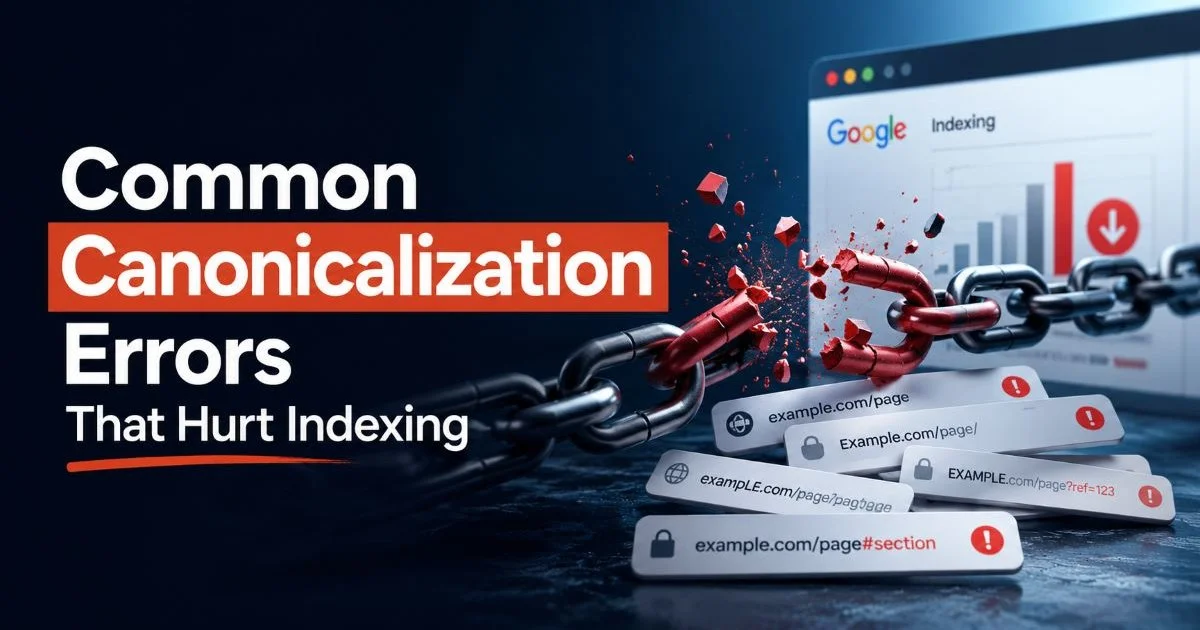
Common canonicalization errors that hurt indexing are more widespread than most SEO practitioners realize, and the consequences often go unnoticed for months. A misconfigured canonical tag can silently tell Google to ignore your best-performing pages, consolidate ranking signals in the wrong direction, or create confusion that leads to deindexed content.
For intermediate SEOs who already understand the basics, the real challenge is identifying the subtle mistakes that slip through audits. These aren't beginner blunders; they're nuanced configuration issues that affect crawl budgets, ranking potential, and organic traffic.
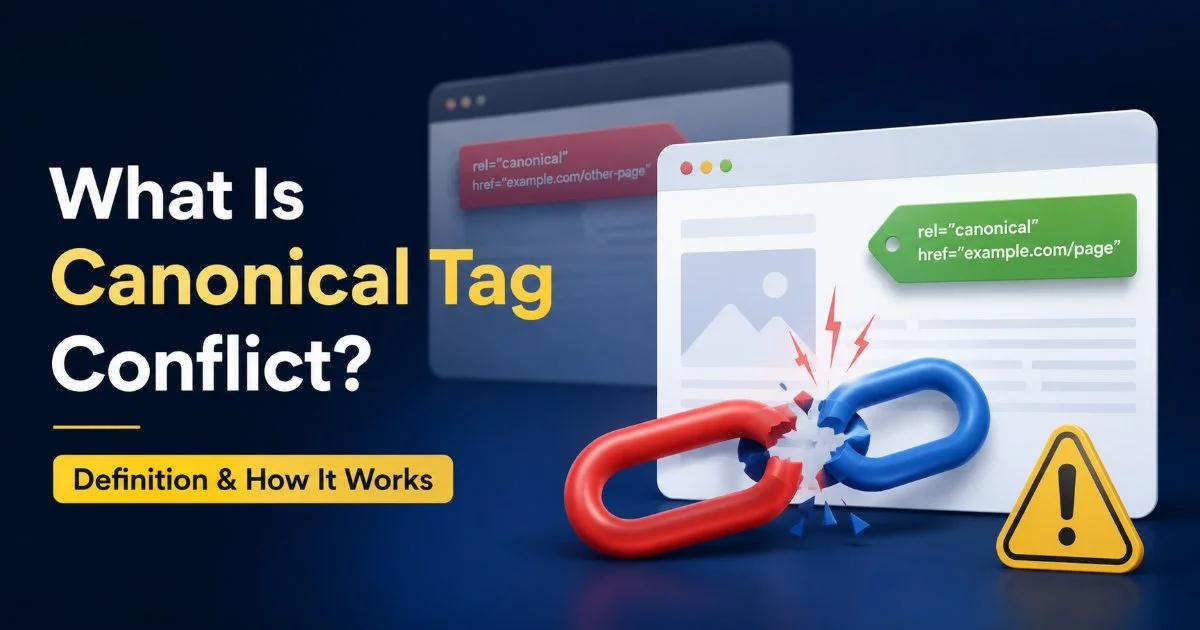
Understanding what canonical tag conflict means and how it works is the first step toward prevention. This guide walks you through the four most damaging canonicalization errors, shows you how to detect each one, and gives you specific steps to fix them before they tank your indexing.
Key Takeaways
- Self-referencing canonicals prevent accidental signal dilution across duplicate URLs on your site.
- Conflicting canonical and noindex signals confuse Googlebot and can deindex important pages.
- HTTP and HTTPS canonical mismatches split authority between insecure and secure page versions.
- Canonical chains with multiple redirects waste crawl budget and weaken link equity transfer.
- Regular audits using Link Decoder catch canonicalization errors before they damage organic rankings.
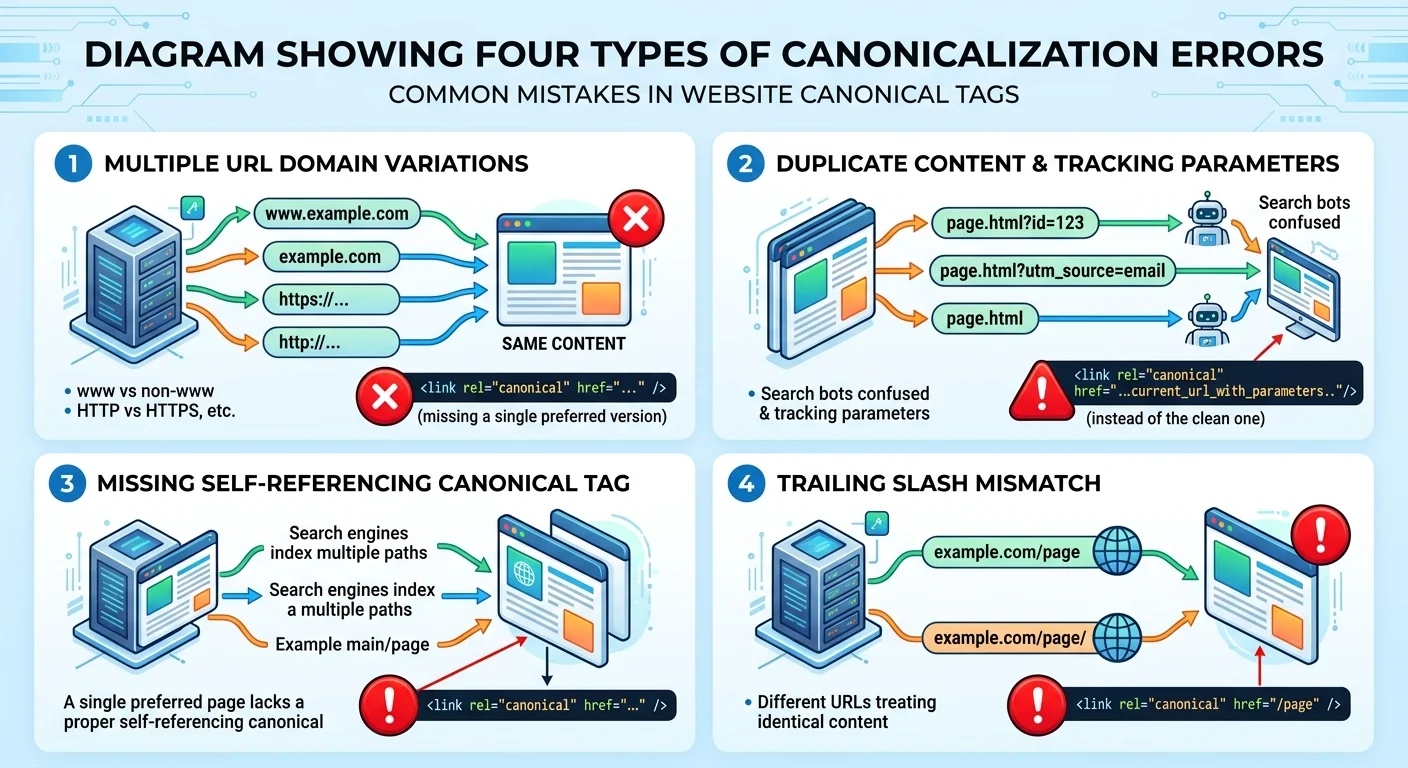
Step 1: Fix Missing Self-Referencing Canonicals
Why Self-Referencing Matters
A self-referencing canonical tag is one where a page's canonical URL points to itself. Without it, you're leaving Google to guess which version of a URL is the primary one. This becomes especially problematic when your CMS generates multiple URL variants through parameters, trailing slashes, or session IDs. Google's John Mueller has confirmed that self-referencing canonicals are a best practice, even if the page has no known duplicates.
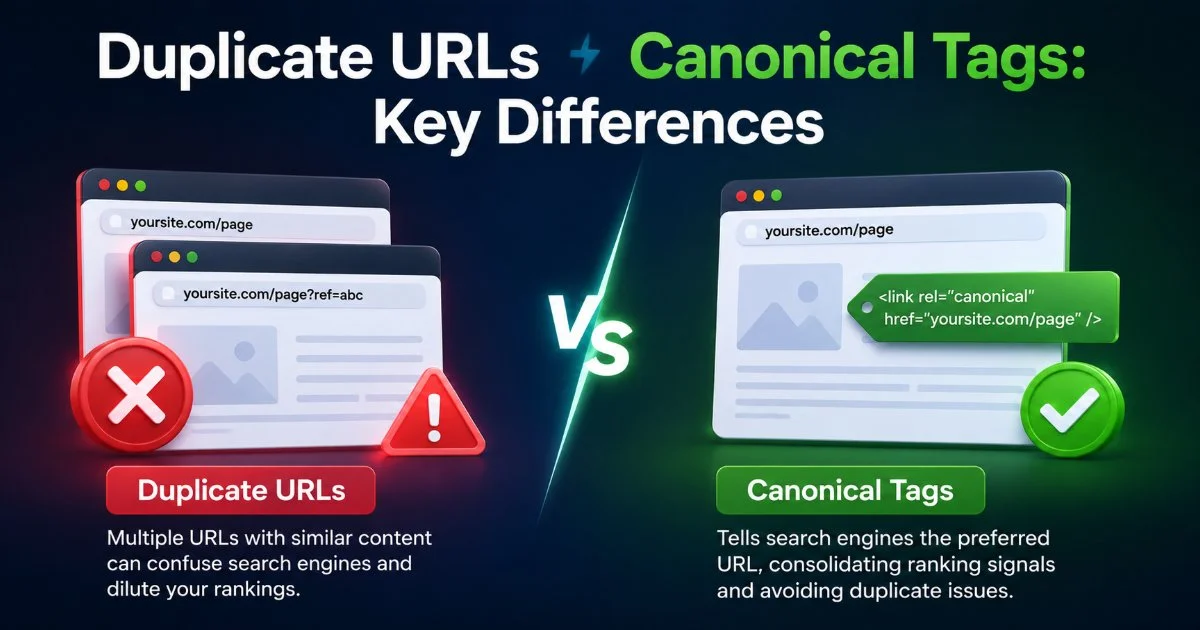
The absence of self-referencing canonicals is one of the most common canonicalization errors that hurt indexing across large sites. When URL parameters like ?utm_source=newsletter or ?sort=price get appended, search engines may treat each variation as a separate page. This fragments your ranking signals across dozens of duplicate URLs. Understanding the key differences between duplicate URLs and canonical tags helps clarify why this fragmentation matters so much.
How to Implement Self-Referencing Canonicals
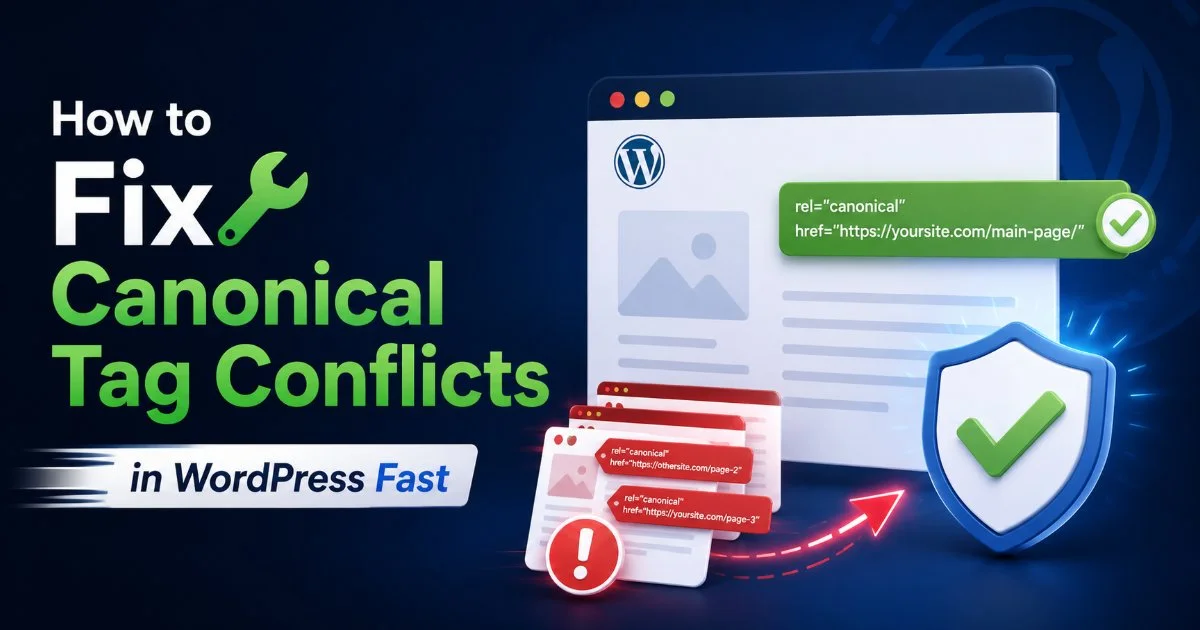
The fix is straightforward. Add a rel="canonical" tag in the <head> section of every indexable page, pointing to that page's own clean URL. Most modern CMS platforms, including WordPress and Shopify, can automate this with plugins or built-in settings. If you're running WordPress, Yoast SEO and Rank Math both add self-referencing canonicals by default, but you should verify they haven't been overridden by theme code or conflicting plugins.
Run a site crawl with Screaming Frog or Link Decoder to export all pages missing self-referencing canonical tags in one batch.
After implementation, validate your changes by inspecting the page source in a browser or using Google Search Console's URL Inspection tool. Confirm that the canonical URL matches the page's clean, preferred URL exactly. Watch for mismatches in trailing slashes, capitalization, and www versus non-www versions. Even small inconsistencies create separate canonical signals that dilute your page's authority.
Step 2: Resolve Conflicting Canonical and Noindex Signals
Detecting the Conflict
One of the trickiest common canonicalization errors that hurt indexing occurs when a page simultaneously carries a canonical tag pointing to another URL and a noindex meta robots directive. These two signals send contradictory instructions. The canonical says "index that page instead," while noindex says "don't index this page at all." Google's documentation states that when signals conflict, it picks the one it considers most useful, which means your intended outcome is uncertain.
This conflict frequently appears on paginated archives, filtered category pages, and staging environments that accidentally go live. A deeper look at how conflicting indexing signals confuse Google reveals that the search engine may ultimately ignore both directives and make its own decision. That's a dangerous gamble when you need specific pages excluded or consolidated. Poor UX decisions during site redesigns can compound these issues, similar to UX mistakes that cost companies growth in other contexts.
Never combine a noindex directive with a canonical tag pointing to a different URL. Google may ignore your intended signal entirely.
The Fix for Signal Conflicts
First, decide the page's purpose. If the page should not appear in search results, use noindex and remove the cross-page canonical tag (a self-referencing canonical is acceptable alongside noindex). If the page should consolidate signals to a primary version, use the canonical tag and remove noindex. The principle is simple: each page should send one clear indexing instruction, not competing ones.
Audit your site using a crawler that flags pages with both directives present. Export the list and categorize each URL by intent. For WordPress sites specifically, plugin conflicts between SEO tools and theme settings are a frequent source of this error. If that's your platform, a guide on fixing canonical tag conflicts in WordPress can save you significant debugging time. After making corrections, request reindexing through Google Search Console for priority pages.
Step 3: Eliminate HTTP vs HTTPS Canonical Mismatches
Identifying Protocol Mismatches
Protocol mismatches happen when your canonical tags reference HTTP URLs while your live site runs on HTTPS, or vice versa. This creates a situation where Google sees two versions of every page with conflicting canonical signals. Even if you've set up 301 redirects from HTTP to HTTPS, a canonical tag pointing to the HTTP version sends a contradictory message. Google may ultimately pick the right version, but "may" is not a strategy.
These mismatches are especially common after SSL migrations when developers update redirects but forget to update hardcoded canonical tags in templates, database entries, or plugin settings. Sites using custom-built CMS platforms without automated canonical generation are particularly vulnerable. The mismatch quietly splits your page authority between two protocol versions, weakening both. Common canonicalization errors that hurt indexing like this one persist because they don't produce visible errors in most monitoring tools.
Correcting Protocol Issues
Start by crawling your entire site and filtering for pages where the canonical URL uses HTTP while the page loads over HTTPS. In Screaming Frog, you can filter the Canonicals tab for this specific mismatch. Update all canonical tags to use your site's active protocol. If your site runs on HTTPS (and it should in 2024), every canonical tag must reference the HTTPS version of the URL. Check both your HTML canonicals and any HTTP header-based canonicals your server might be sending.
Beyond fixing individual pages, address the root cause. Update your CMS settings, site URL configuration, and any hardcoded template references to use HTTPS. For sites behind CDNs or reverse proxies, verify that the origin server's canonical tags reflect the public-facing protocol. Also fix any crawl errors found during your site audit, since protocol mismatches often accompany redirect chains and mixed content warnings that compound indexing problems.
Set your CMS site URL to the HTTPS version and use protocol-relative or absolute HTTPS URLs in all canonical tag templates.
Step 4: Break Canonical Chains and Redirect Loops
Spotting Canonical Chains
A canonical chain occurs when Page A's canonical points to Page B, and Page B's canonical points to Page C. Google has stated it will attempt to follow canonical chains, but each hop reduces the reliability of the signal. In practice, chains of three or more canonicals frequently result in Google ignoring the directive entirely and choosing its own preferred version. This is the fifth most common canonicalization error that hurt indexing in site audits conducted across enterprise-level websites.
| Chain Length | Google's Behavior | Risk Level | Recommended Action |
|---|---|---|---|
| 1 hop (A → B) | Follows reliably | Low | Monitor periodically |
| 2 hops (A → B → C) | Usually follows | Medium | Consolidate to direct canonical |
| 3+ hops | Often ignores chain | High | Fix immediately |
| Loop (A → B → A) | Ignores both canonicals | Critical | Rewrite all affected tags |
Canonical loops are even worse. When Page A canonicalizes to Page B and Page B canonicalizes back to Page A, Google receives a circular reference with no resolution. Both pages lose their canonical authority, and Google defaults to its own selection algorithm. Loops typically emerge after content migrations, URL restructuring, or when multiple team members edit canonical tags without coordination.
"Every canonical tag should point directly to the final, preferred URL. No intermediate hops, no assumptions that Google will figure it out."
Resolving Chains and Loops
The fix requires mapping every canonical relationship on your site. Export all canonical tags from your crawler and build a simple spreadsheet tracing each chain from origin to destination. Identify any URL whose canonical target itself has a different canonical. For each chain, update the original page's canonical tag to point directly to the final preferred URL, skipping all intermediate pages. This eliminates hops and gives Google a clean, single-step directive.
For loops, determine which page in the pair should be the canonical version based on traffic, backlinks, and content quality. Set that page as the canonical target for both URLs and ensure the target carries a self-referencing canonical. After making changes, use Google Search Console to request indexing for all affected URLs. Monitor the Coverage report over the following two to four weeks to confirm Google has recognized your corrections. Regular monthly crawls prevent these chains from reforming as your site evolves.
Canonical chains often reappear after CMS updates, plugin changes, or content migrations. Add canonical validation to your post-deployment checklist.
Frequently Asked Questions
?How do I find pages missing self-referencing canonicals at scale?
?Is a conflicting canonical and noindex signal worse than just noindex alone?
?How long does it take Google to recover rankings after fixing canonical chains?
?Can my CMS silently override canonical tags I've already set?
Final Thoughts
Common canonicalization errors that hurt indexing rarely announce themselves with dramatic traffic drops. They erode your site's search performance gradually, making them harder to diagnose the longer they persist.
The four errors covered here, missing self-referencing canonicals, conflicting signals, protocol mismatches, and canonical chains, account for the vast majority of canonicalization issues found in professional audits. Build canonical tag validation into your regular workflow. A monthly crawl and a five-minute review of your canonical report will catch these problems before they cost you rankings.
Disclaimer: Portions of this content may have been generated using AI tools to enhance clarity and brevity. While reviewed by a human, independent verification is encouraged.